Feature · Image composition
Several photos in. One shot out.
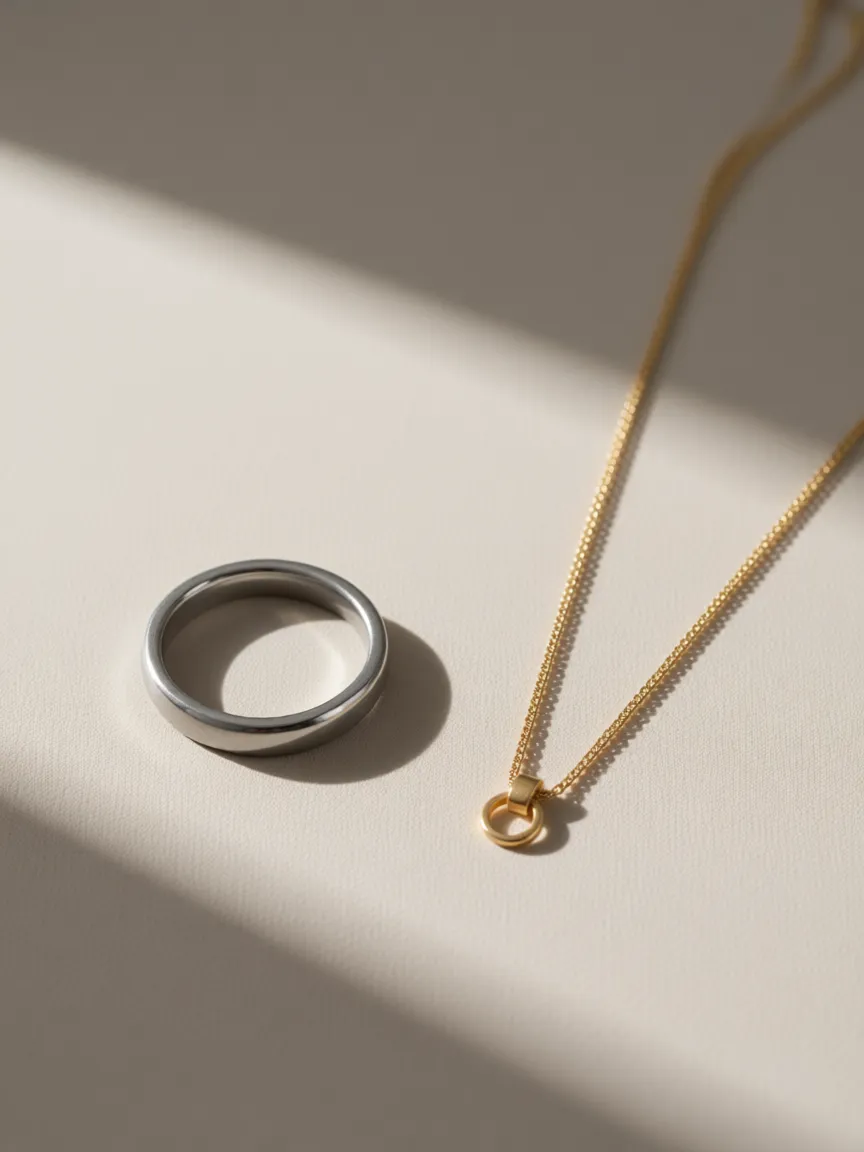
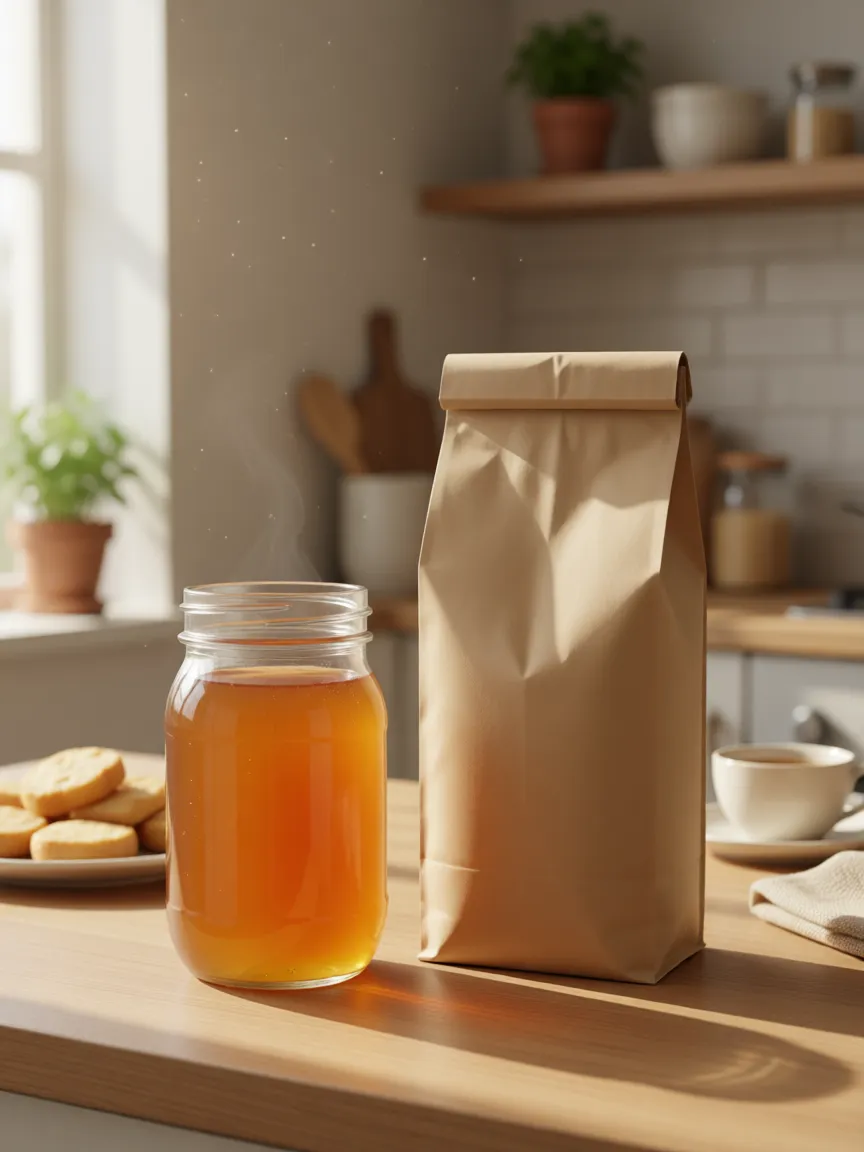
Add your products and the photos that show the look you want. The composer puts them in one scene, keeps every product as it is, and can split a single upload into several shots with variants of each.
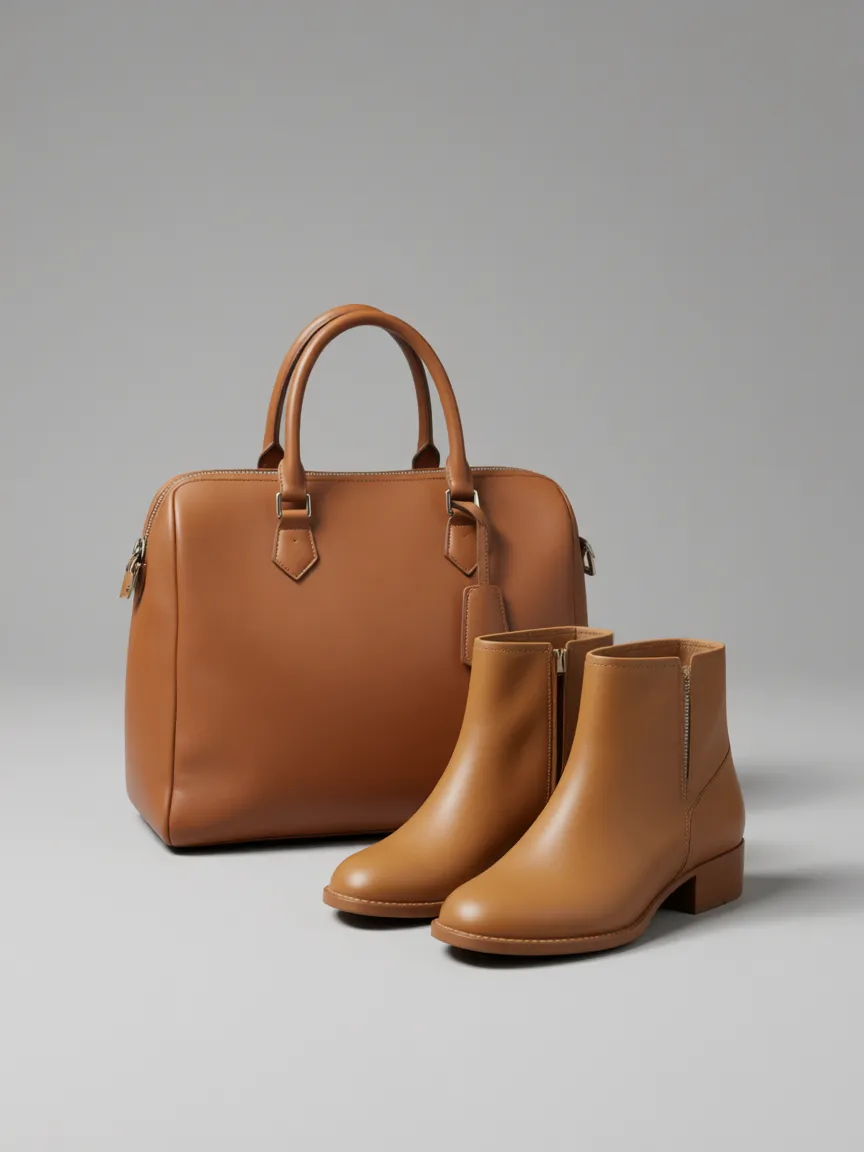
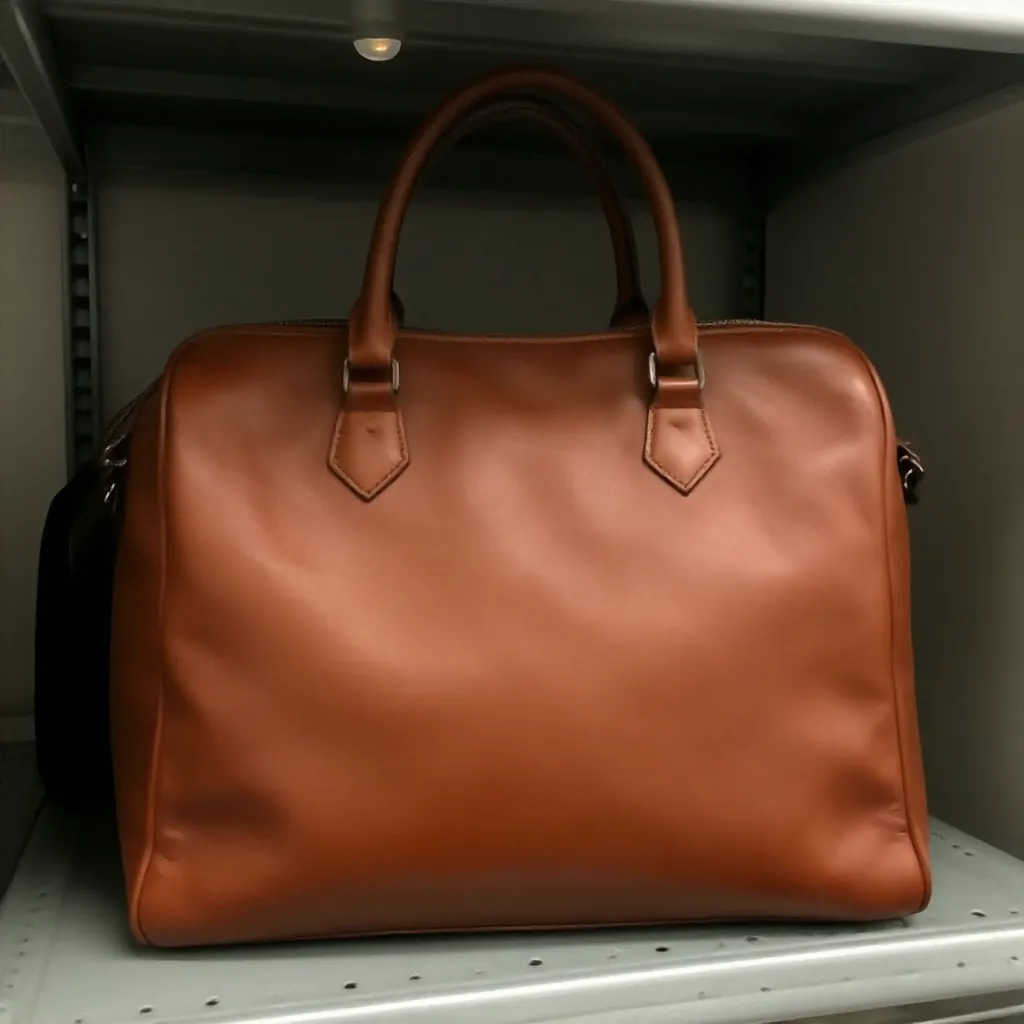

Products · 01
Two products, one scene.
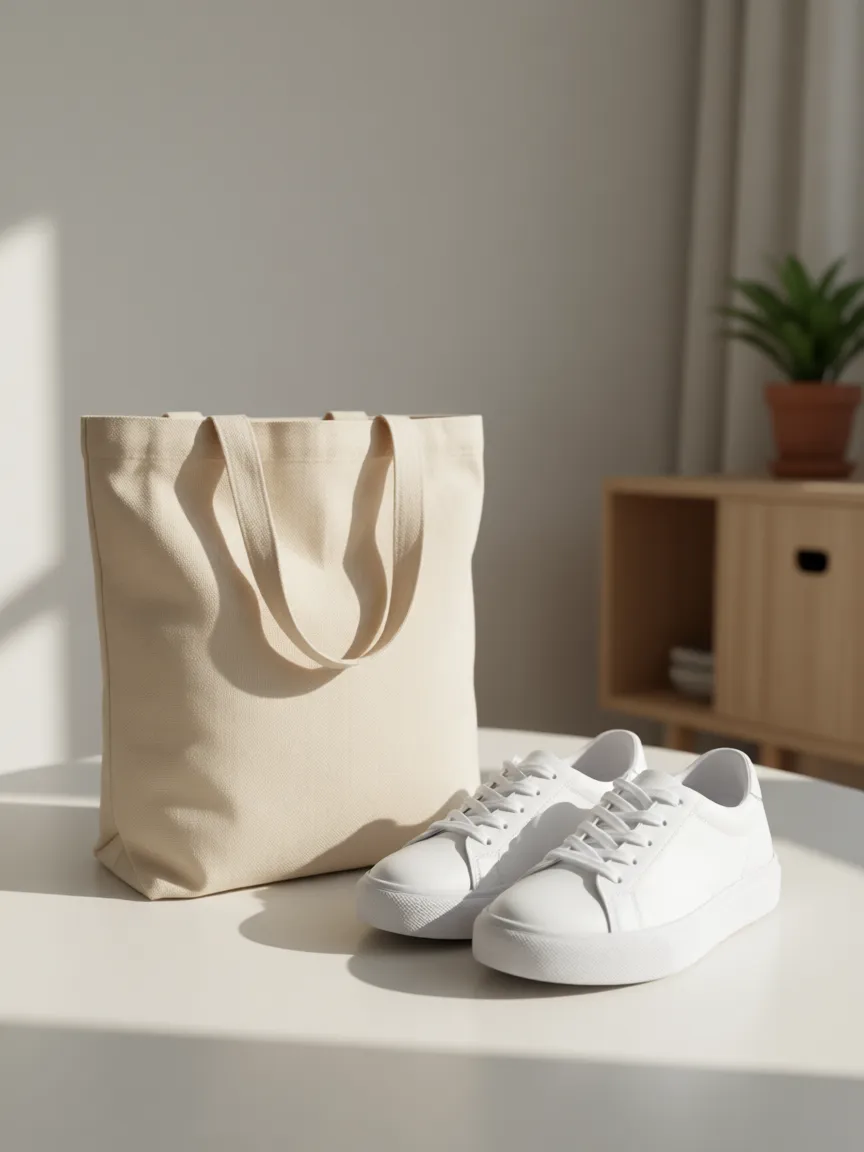
Attach a handbag and the shoes that go with it, and they come back together in one shot, each with its own shape, colour and details. No pasting, no matching the light by hand.
Reference · 02
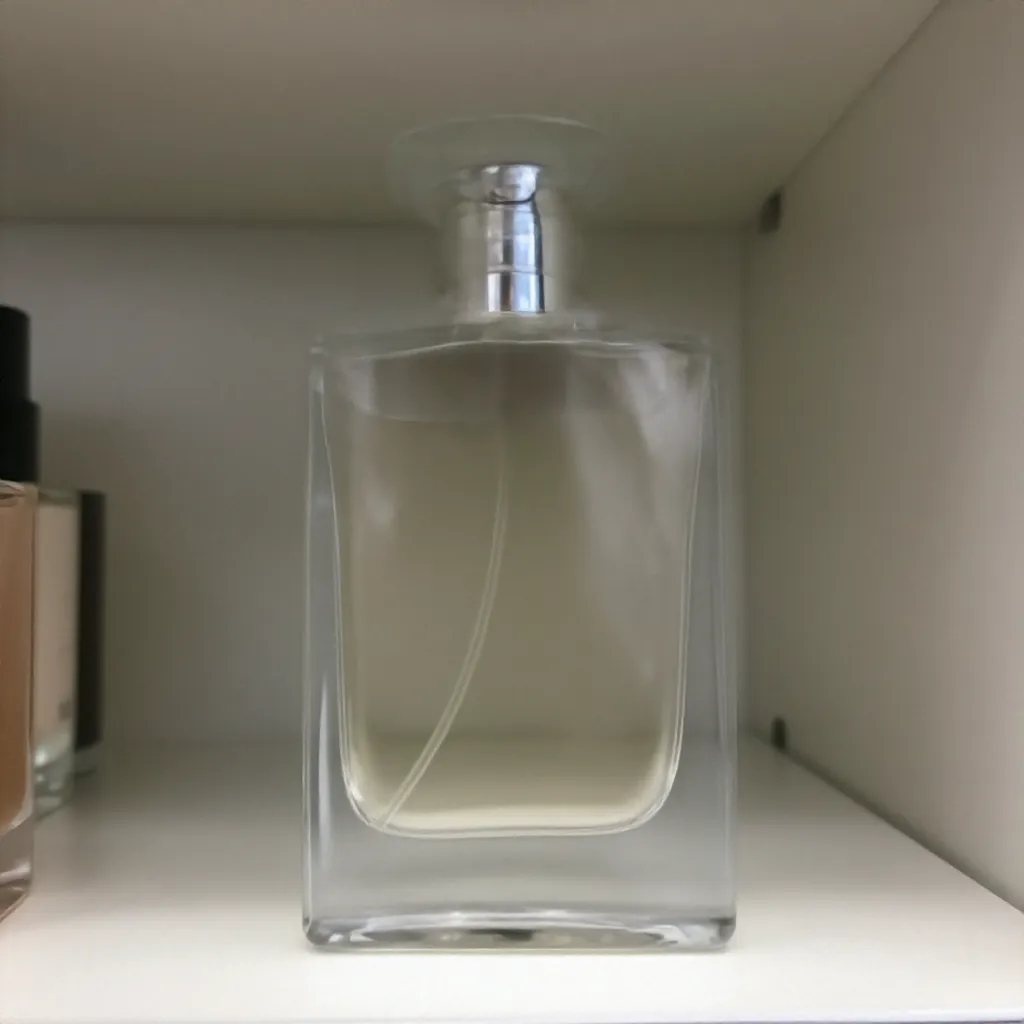
Show the look instead of describing it.
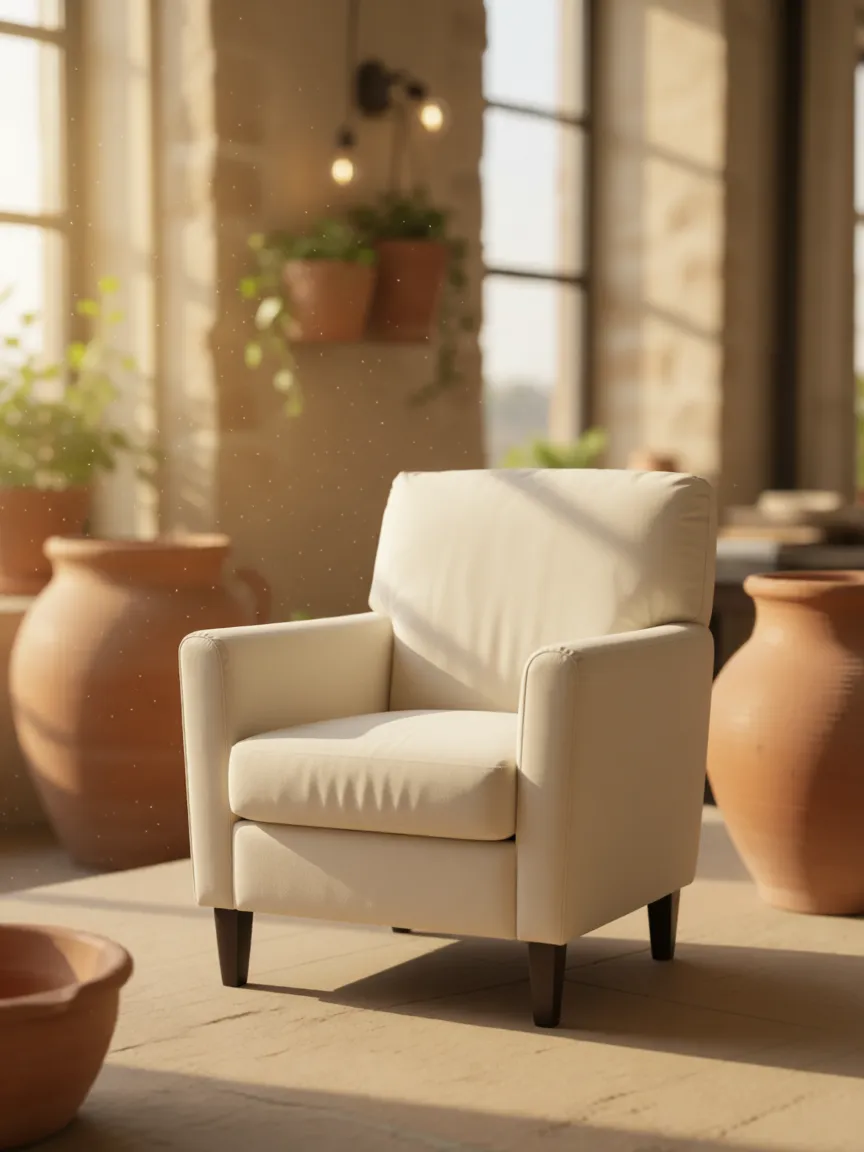
Mark a photo as a style reference: a mood board, a shot you admire, last season's campaign. Its light, palette and setting carry over to your product.


Batches · 03
One upload, several shots.
Group the products that belong together and leave the rest on their own. Try each reference separately, add variants, and the count tells you exactly how many images you'll get before you send.








Feature · Image composition
What it does, and what it doesn't yet.
Composition depends on the model behind it. Here is where the edges are today.
Several photos per shot
The default model sets no fixed limit on how many photos go into one render. Each shot goes to a model that can hold everything you attached.
Products kept as uploaded
Products are placed and lit, not redesigned. Their shape, colour and labels stay as they are in your photos.
Exact placement
You can't yet pin where each product sits in the frame. Describe it in words and the scene follows it most of the time.
Feature · Image composition
Questions worth asking.
How many photos can go into one shot?
As many as the shot needs: the default model sets no fixed limit. Each shot goes to a model that can take everything you attached to it.
What's the difference between a product and a reference?
A product appears in the result as it is. A reference only lends its look: the light, colours, setting and mood. You mark each photo you attach as one or the other.
Can I make several combinations at once?
Yes. Put products into groups, try each reference separately and add variants. One request makes up to 20 images, and the count shows how many before you send.
What does it cost?
Each image you get uses one credit from your plan, like any other shot. Several products combined into one image cost one image, not one per product.