Feature · Image editing
Fix one thing. Keep everything else.
Every photo and every render opens in the studio. Click an object to change or remove just that, paint over what the object list can't name, swap the background, or grow the frame to a new shape. What you didn't select keeps its original pixels.
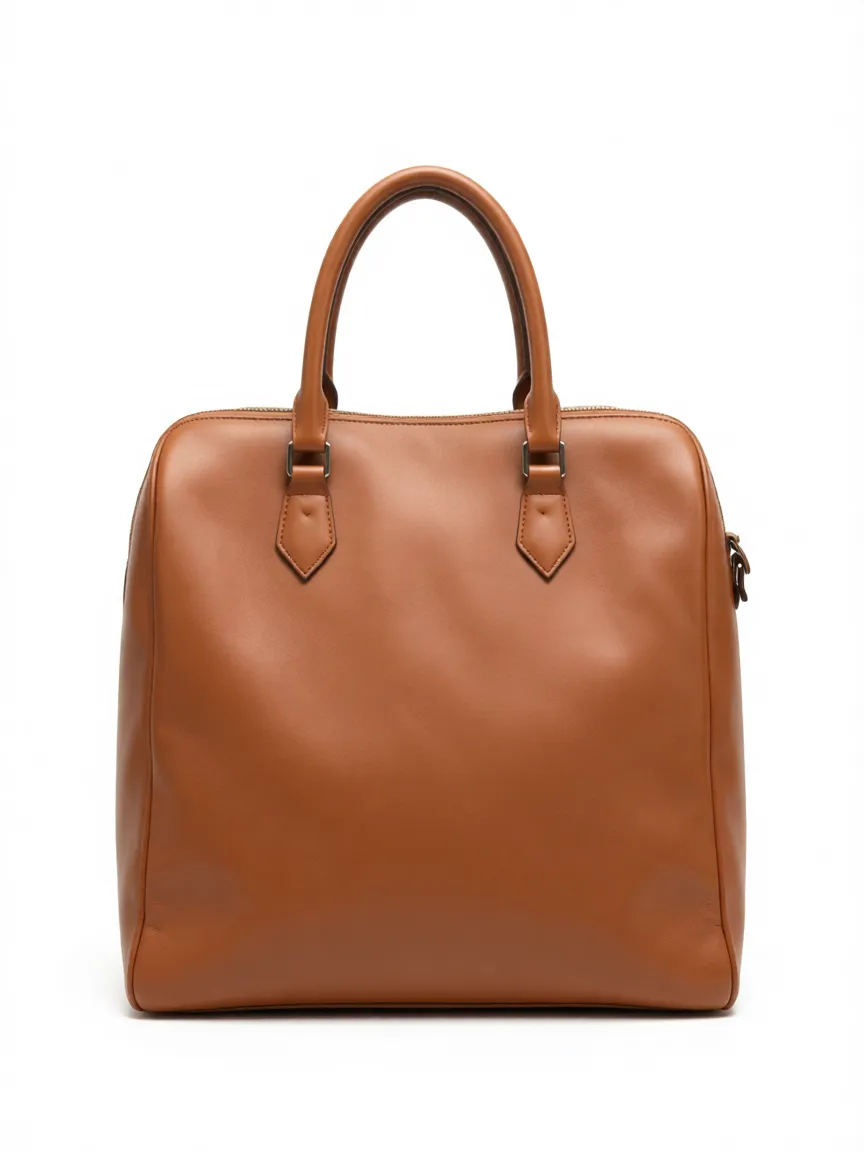 Enhanced
Objects · 01
Click the lamp, change only the lamp.
The studio finds the objects in your photo on its own. Select one, or shift-click several, then say what should change, or remove them. A removal takes the object's shadow and reflection with it, and any object downloads as a cutout.

Areas · 02
Paint over what has no name.
A scuff, a reflection, a stray shadow, a crease: things an object list can't point at. Brush over them, save the mark and say what to do, or simply remove what's marked. Several marks go in one pass.

Background · 03
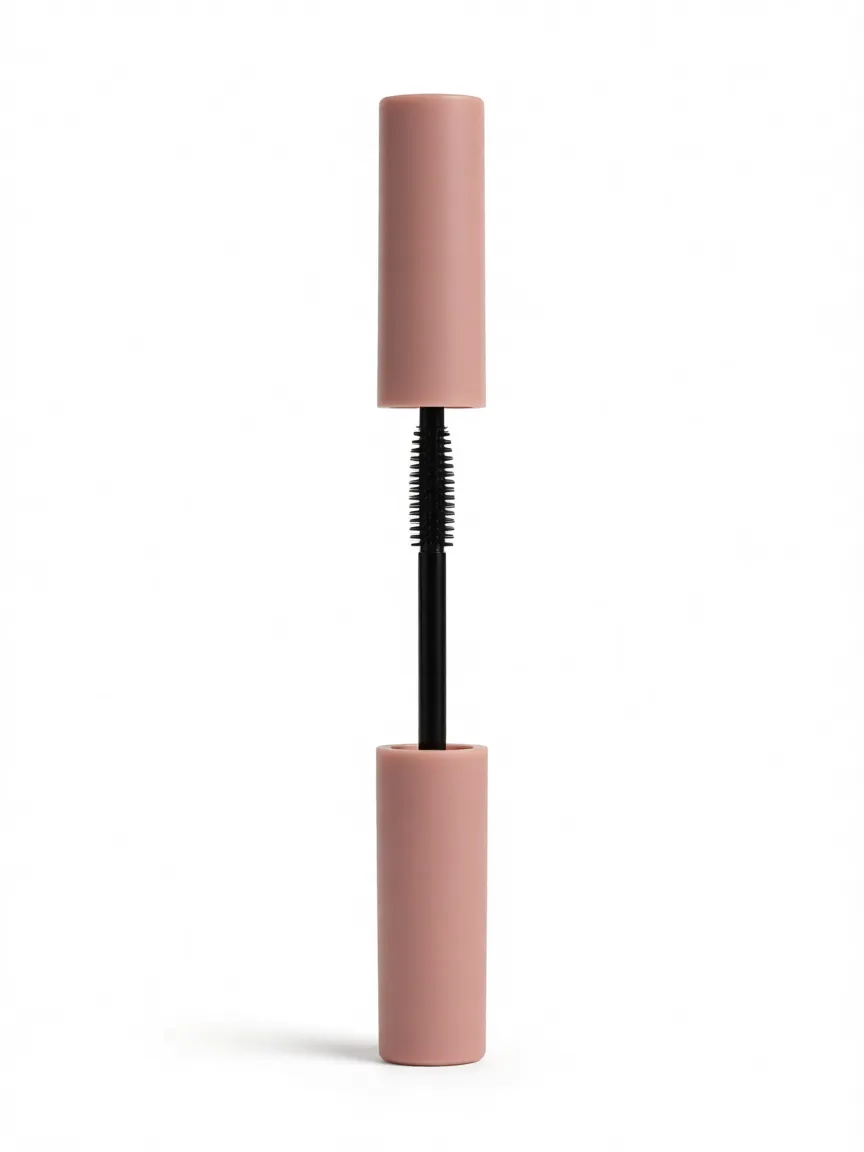
A new background, the same product.
Transparent or a solid colour is instant and free. Describe a scene, a marble worktop or a sunlit shelf, and it is generated around the product while the product itself stays untouched.
Extend · 04
Grow the frame, lose nothing.
Need a wide banner from a portrait shot? Extend generates what was never photographed around the edges, so the frame reaches the new shape without cropping into the product. Going narrower is what Crop is for.
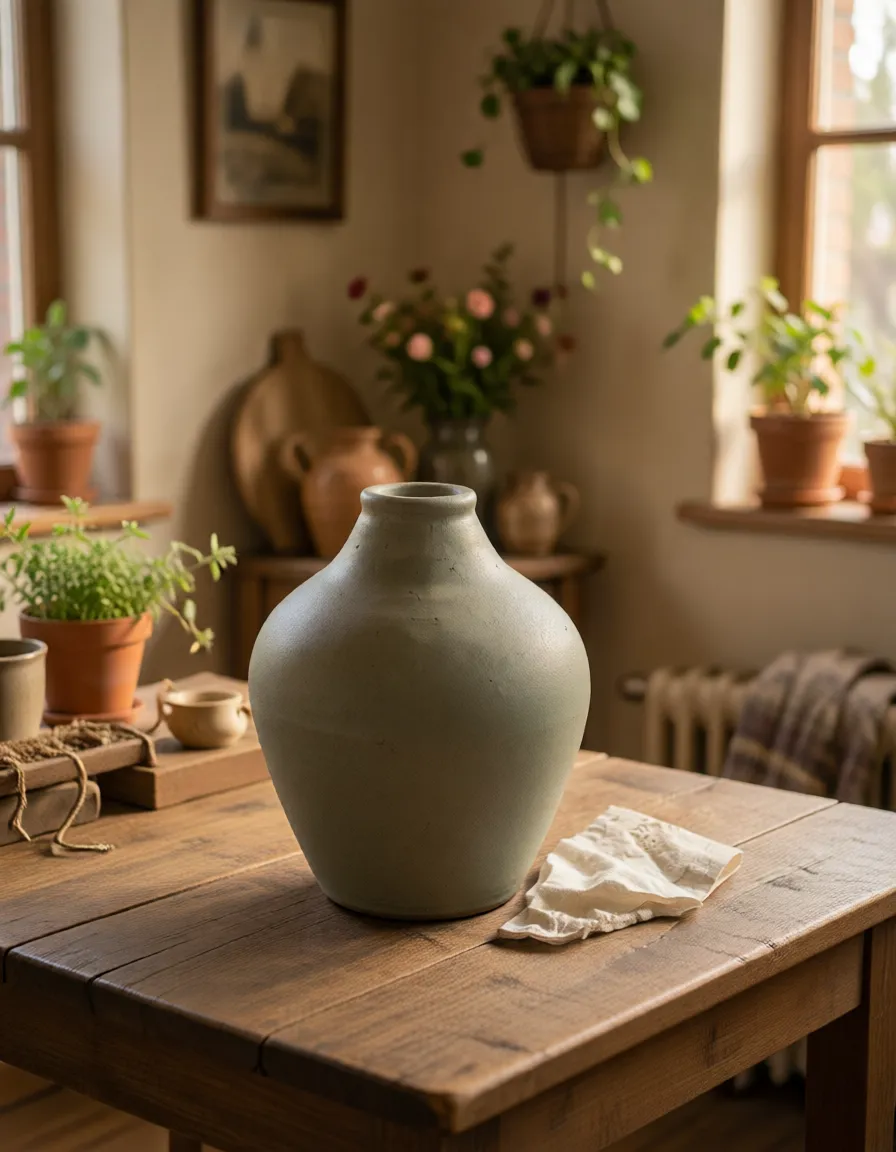
Clean up before you publish.
Remove the price tag, the cable, the corner of the table, then set the background to white for a marketplace listing.
1 click to select an object
One shot, every shape.
Extend a square product photo into a wide hero banner or a tall story without a reshoot.
9:16 · 16:9 from the same photo
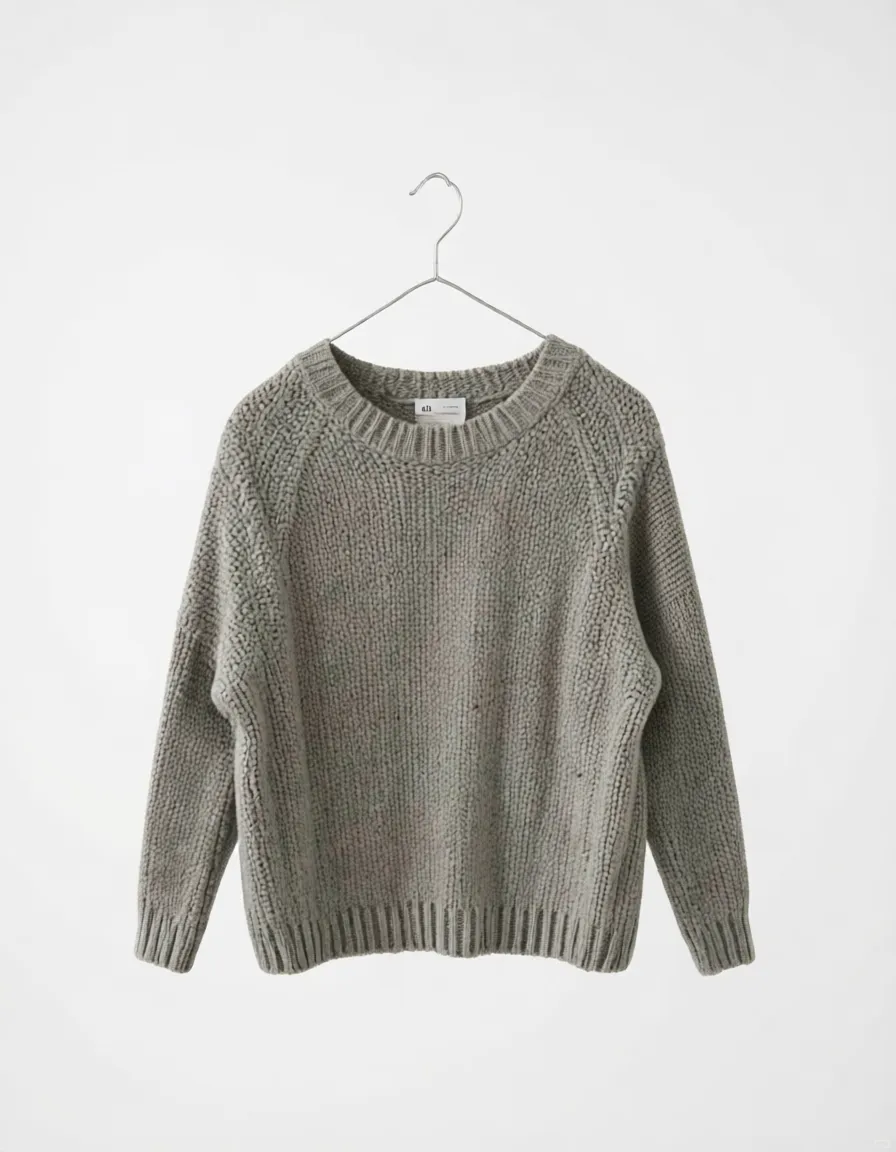
Fix the spot, keep the shot.
A scratch on the finish or a glare on the glass gets painted over and fixed, while the rest of the photo keeps its original pixels.
0 pixels changed outside your mark
Feature · Image editing
Questions worth asking.
Which photos can I edit?
Your own uploads and every image you generate. Each one opens in the studio with the same tools, and every change is saved as a new version, so you can always step back.
Does editing one object change the rest of the photo?
No. The edit is made around your selection and placed back through its outline, so everything outside it keeps its original pixels. A removal reaches a little past the outline to take the object's shadow and reflection too.
What does it cost?
A transparent or solid-colour background, crop and text are free. Edits that generate new pixels, such as changing or removing an object, painting over an area, a generated background or extending the frame, use credits from your plan.
Can I remove a background for a marketplace listing?
Yes. Choose transparent for a cutout, or a solid white background for listings that require one. You can also download any single object as a cutout from the object list.
What if the studio can't find the thing I want to change?
Use the area brush. Paint over it, whether it's a scuff, a reflection or a shadow, and describe what should happen there.