Feature · Product scenes
Set the handbag in late-afternoon sun on an oak stool.
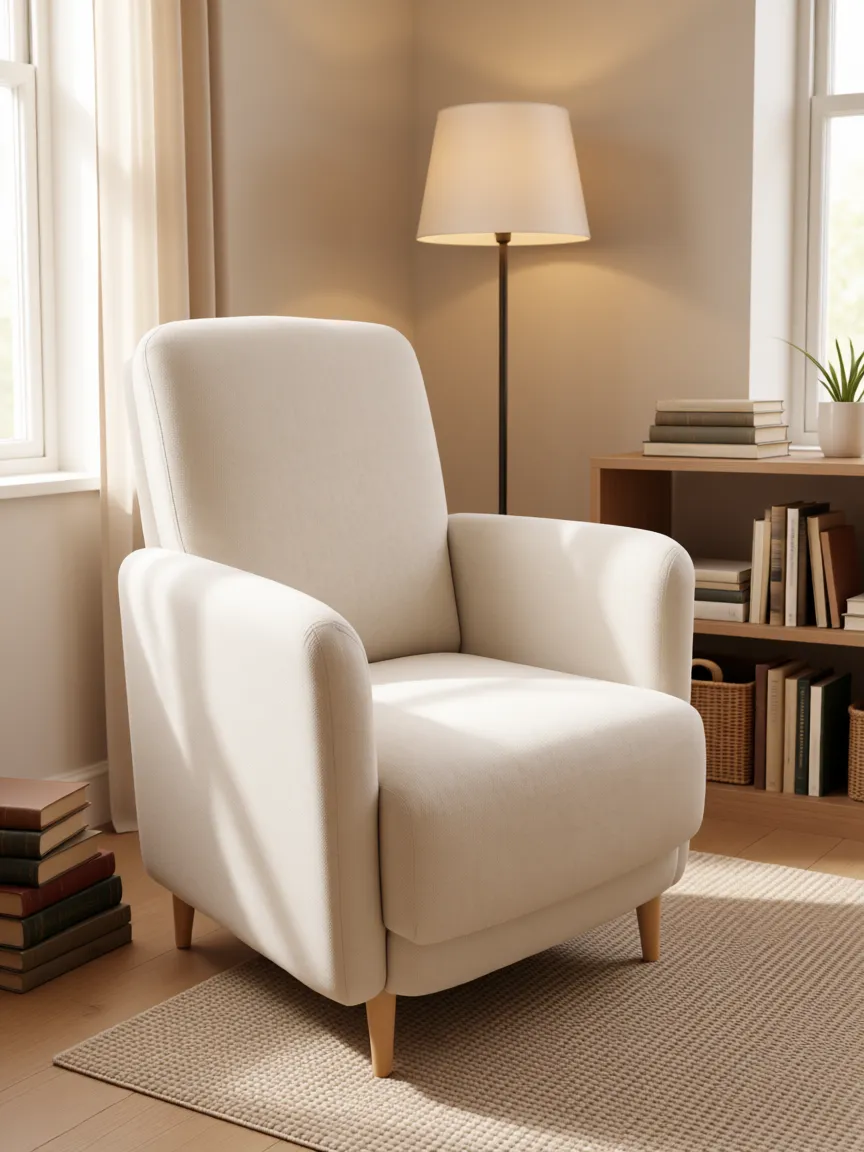
Pick a scene preset, living room, kitchen, outdoor, studio, editorial, and we composite your product in with the right shadow, the right light, and the surface contact your eye expects.
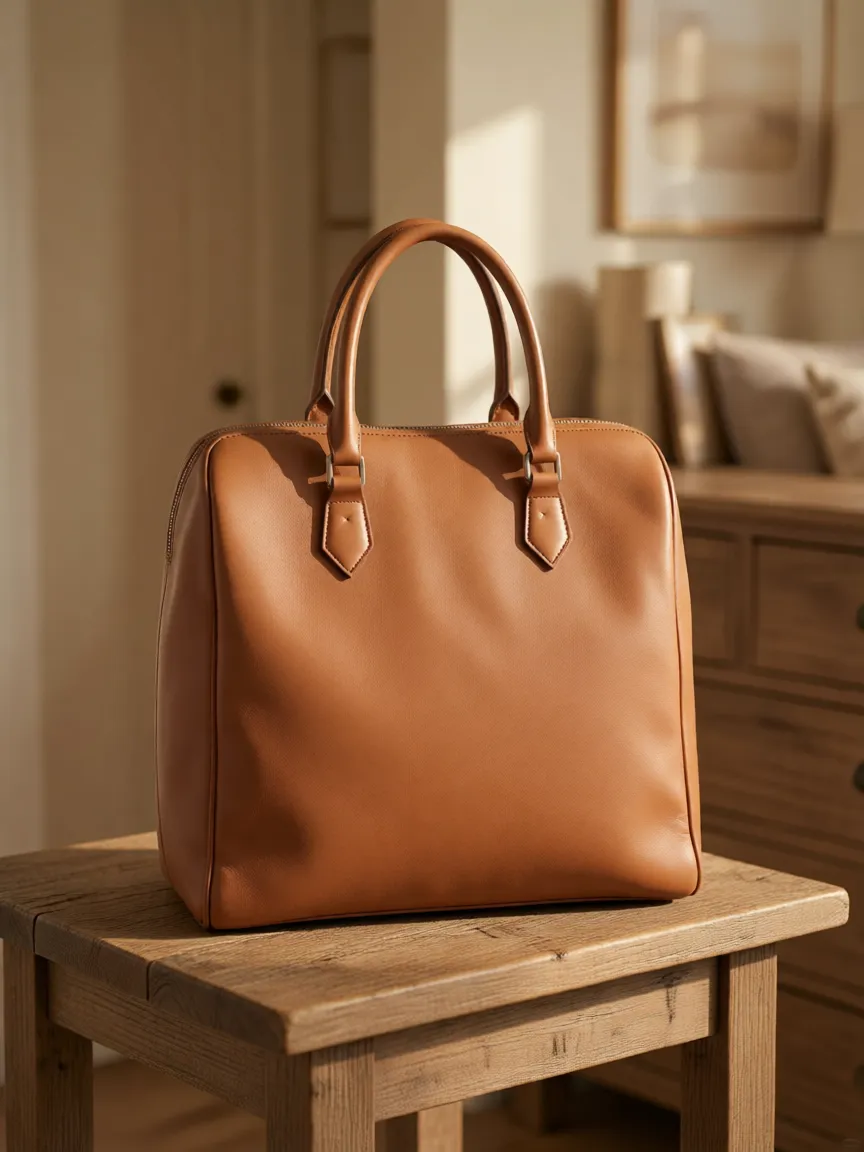 Enhanced
Light · 01
The shadow matches the room.
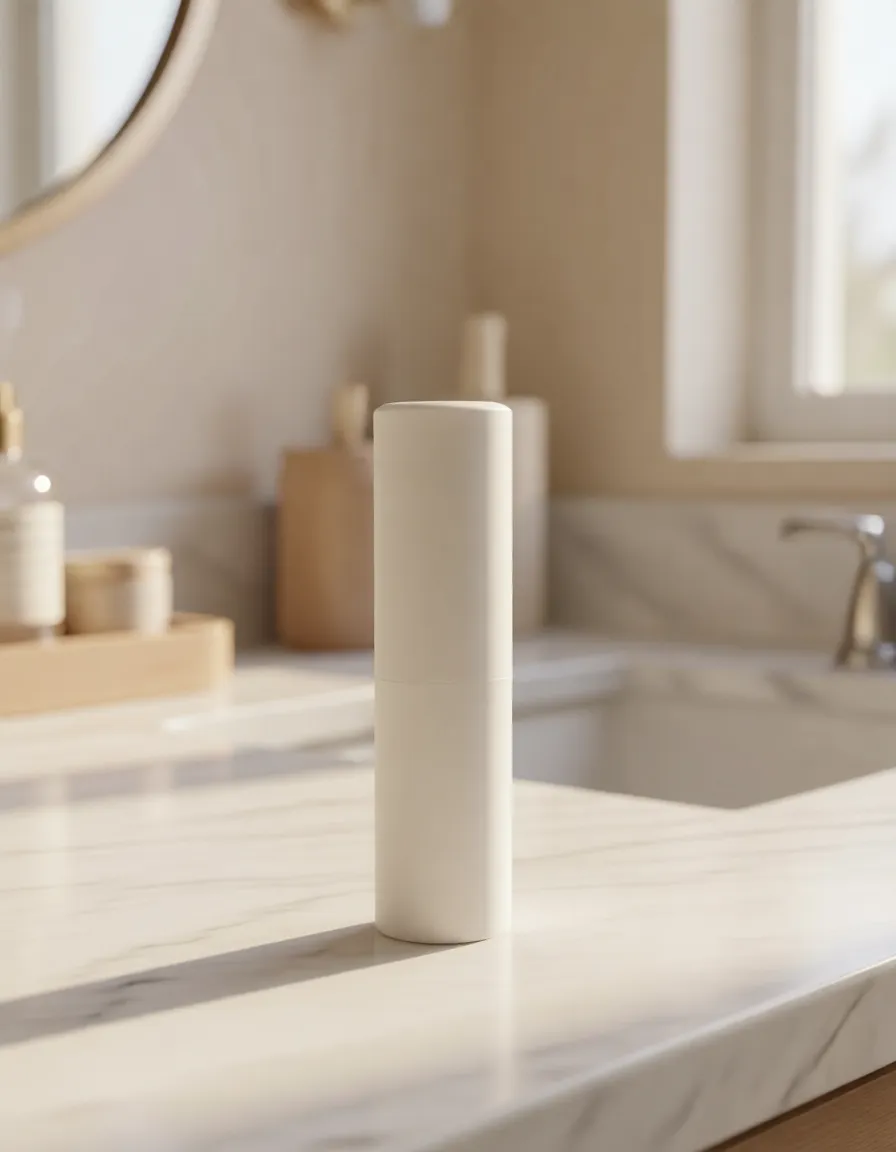
A bottle on a marble counter at 4pm casts a different shadow than the same bottle on a kitchen island under recessed lights. We sample the scene's lighting per-pixel and render contact shadows you don't have to retouch in.
Library · 02
Trending scene presets, updated weekly.
Living room, marble bathroom, outdoor garden, modern kitchen, beach golden-hour, editorial seamless, vintage tile, brutalist concrete, and 40 more. Each preset is a stack of light, surface, palette, and prop conventions you can override.
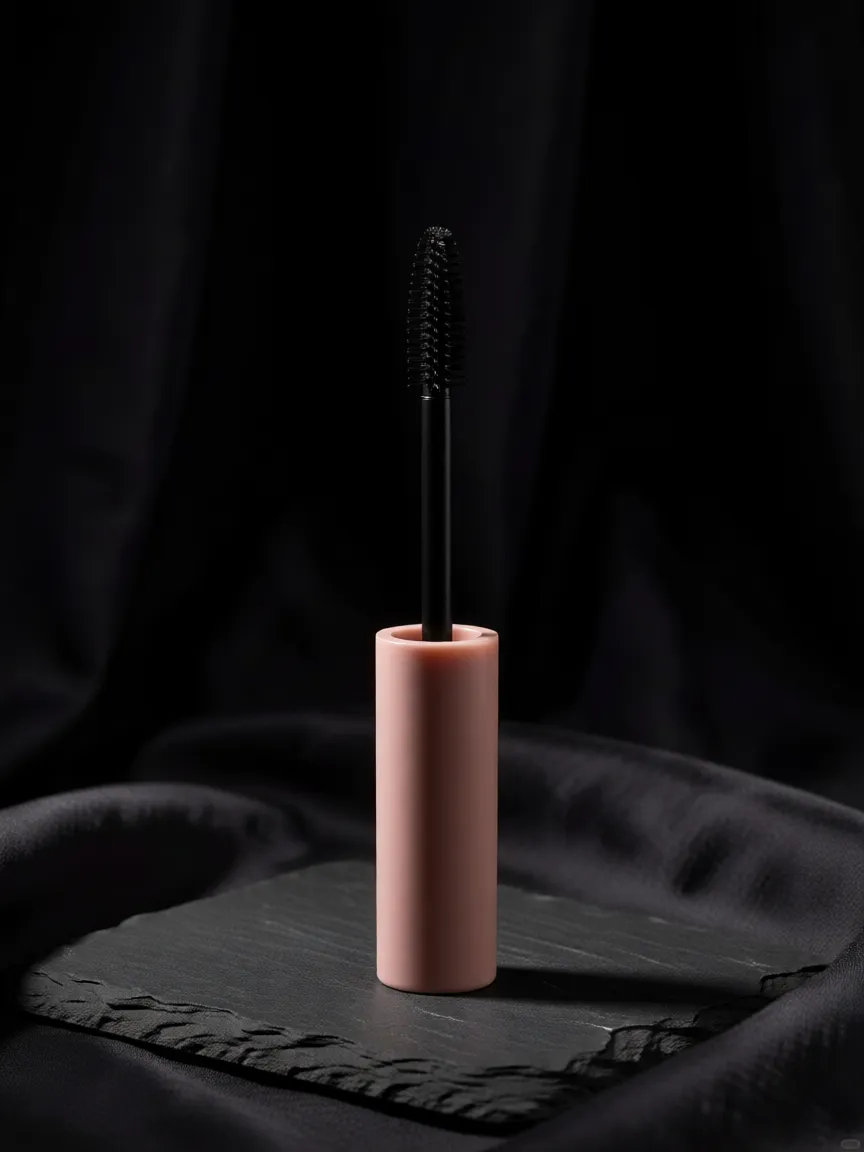
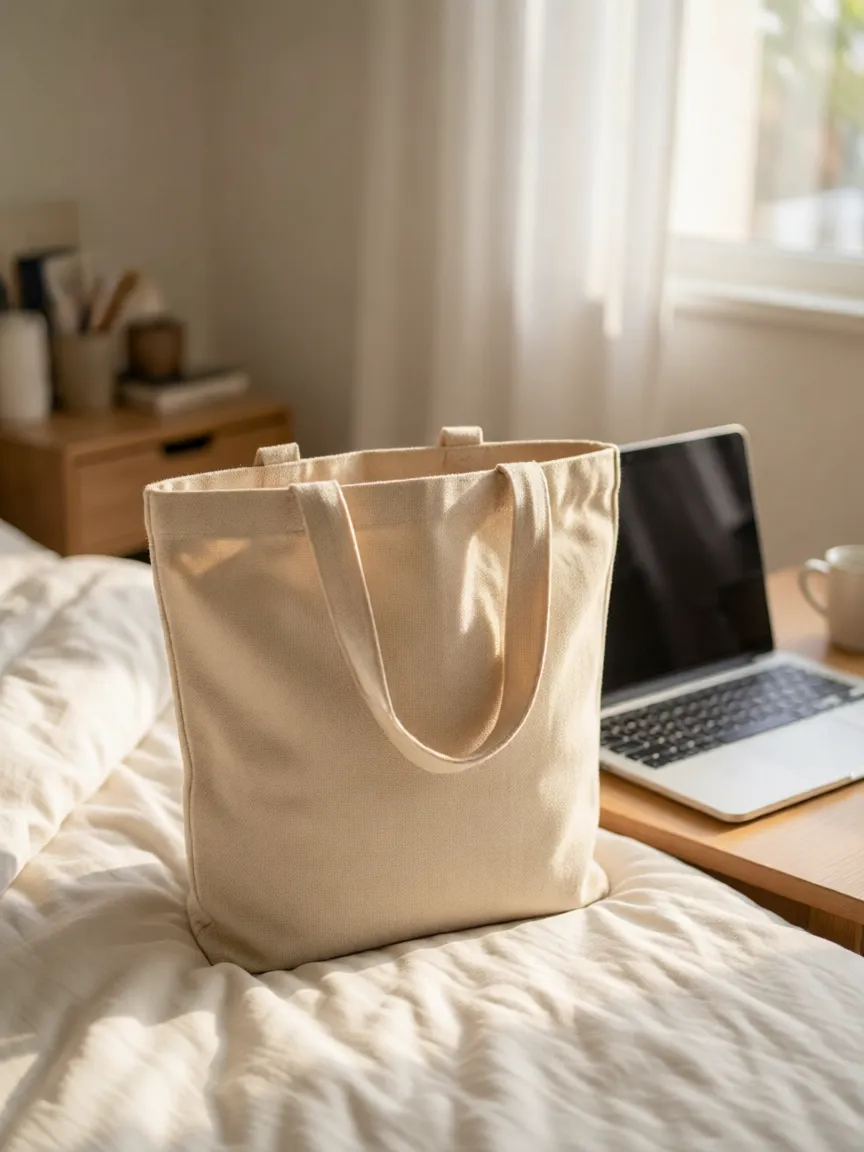
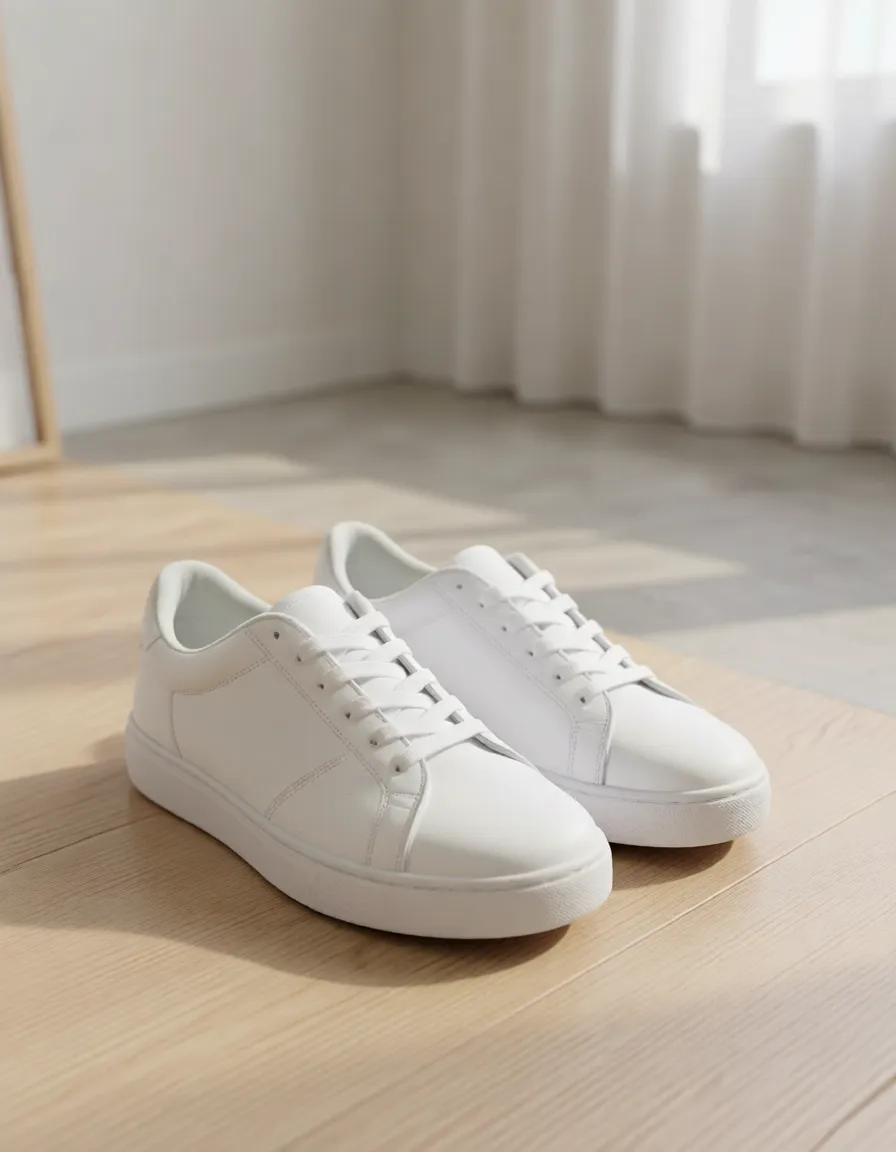
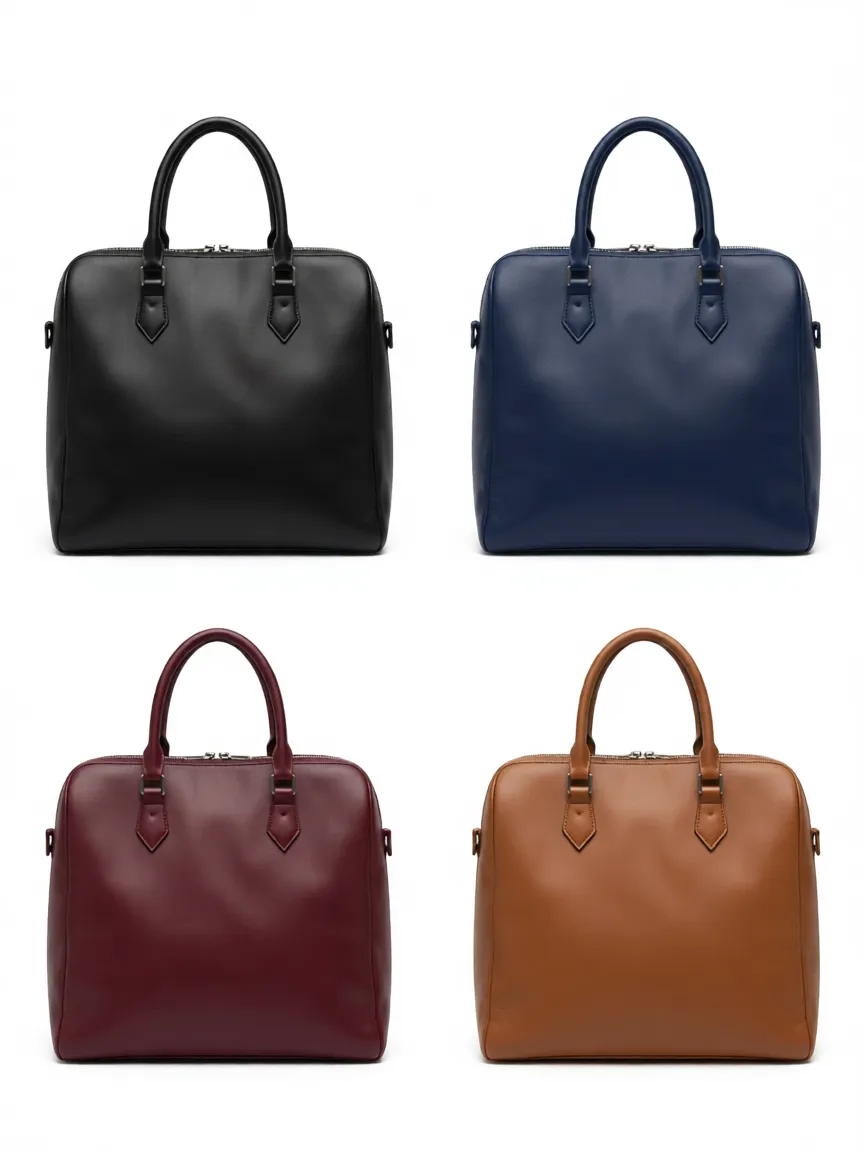
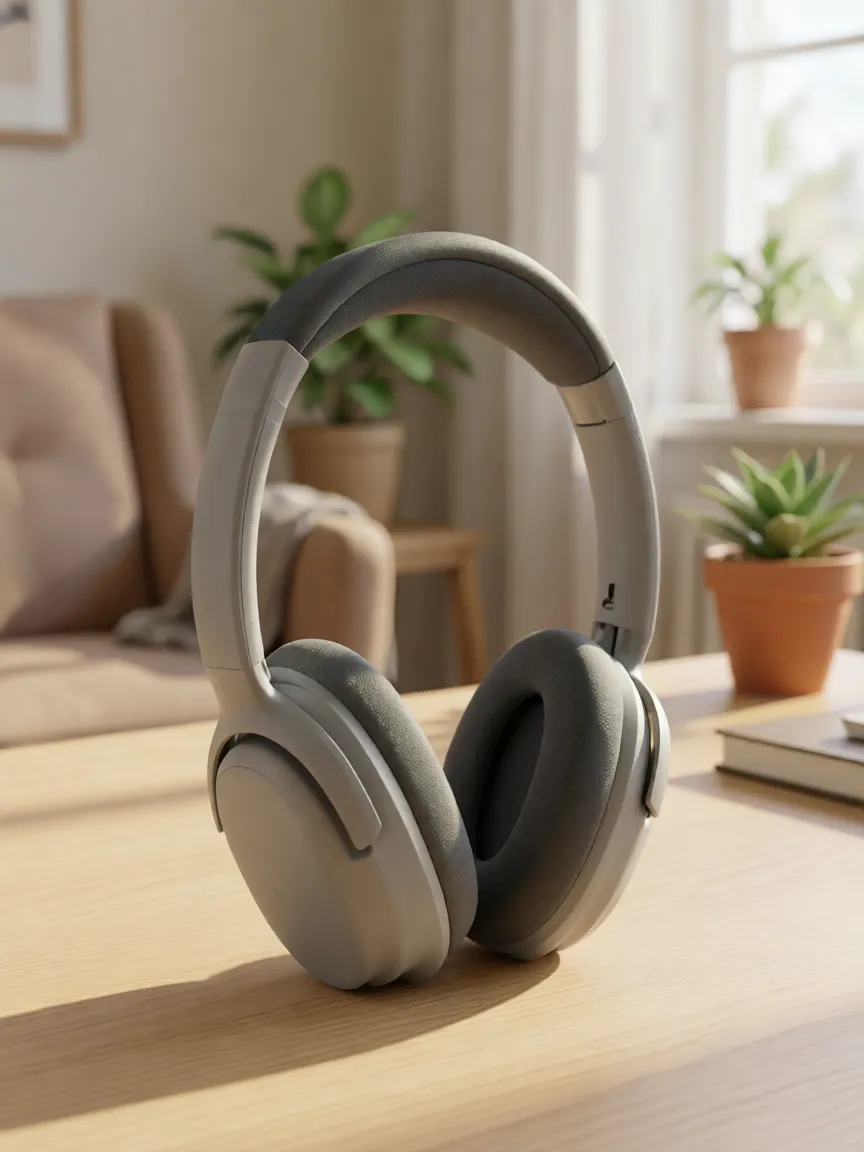
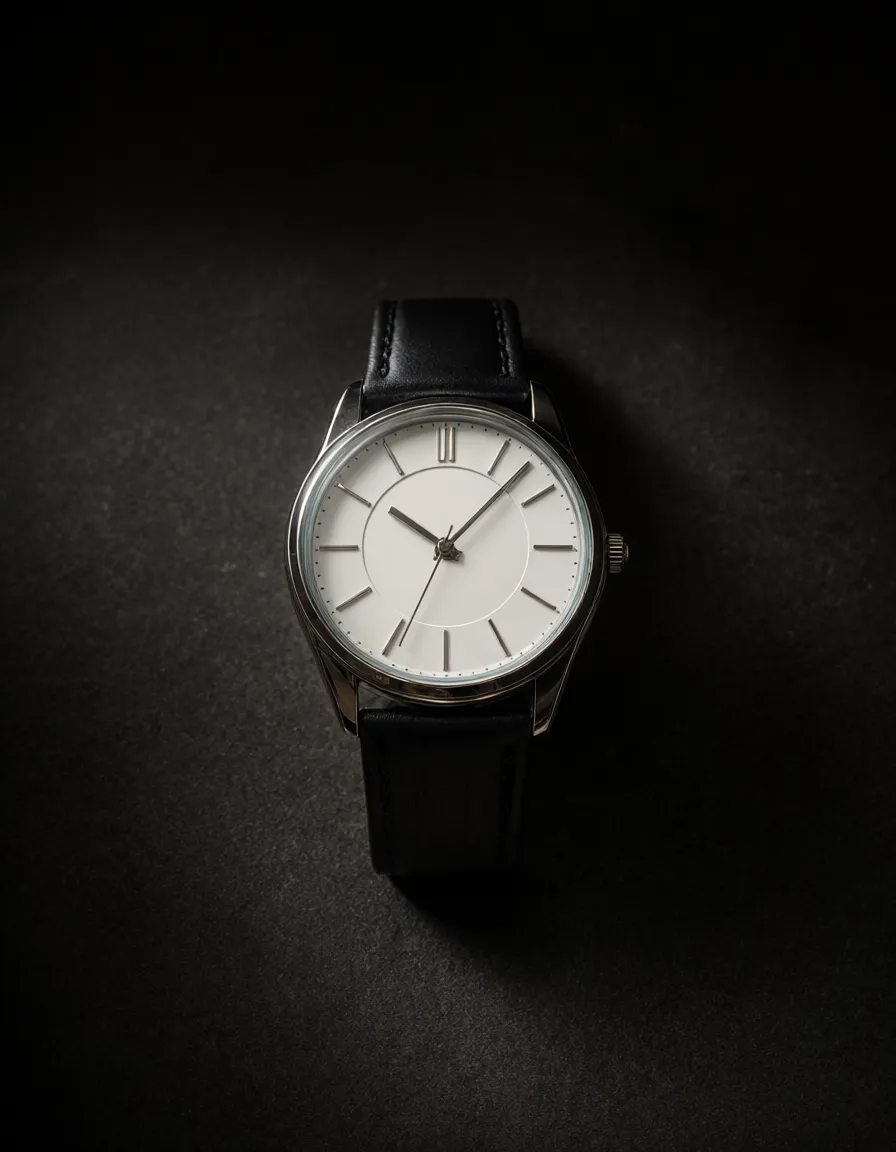
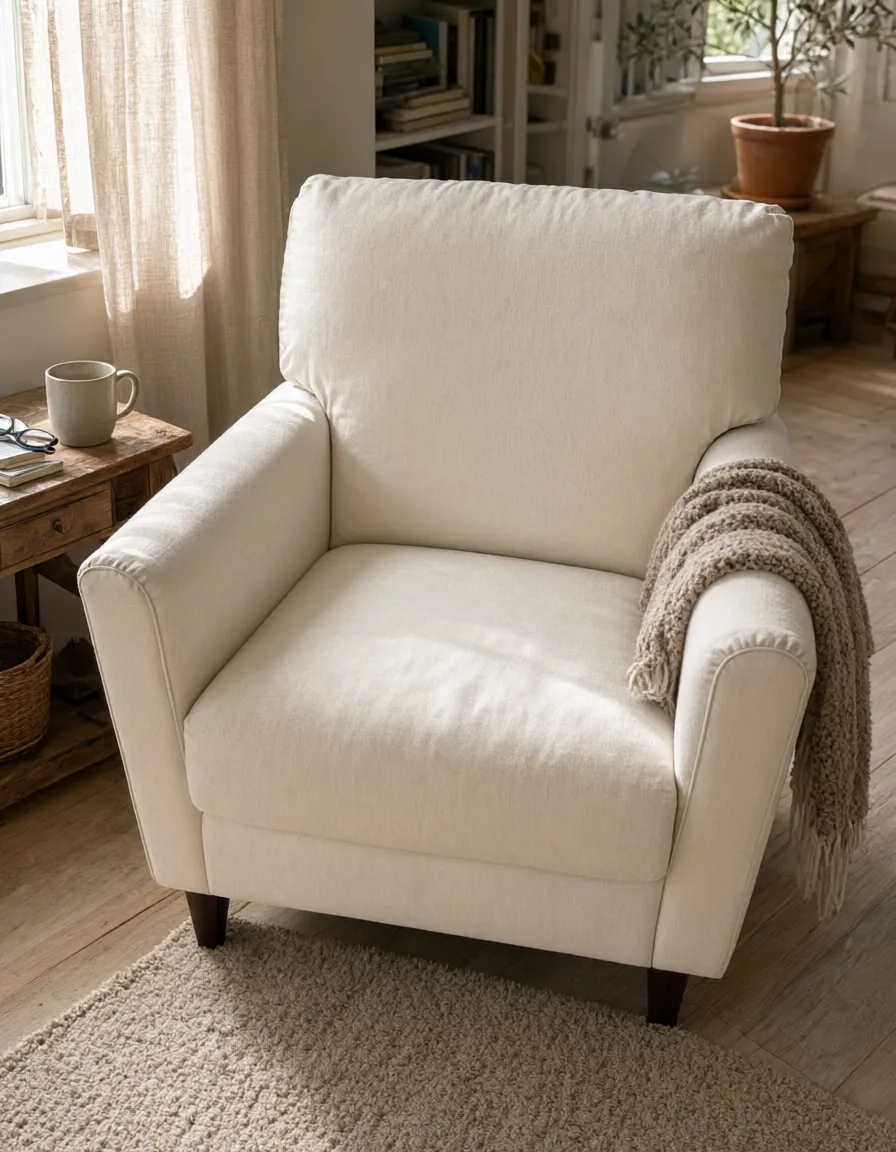
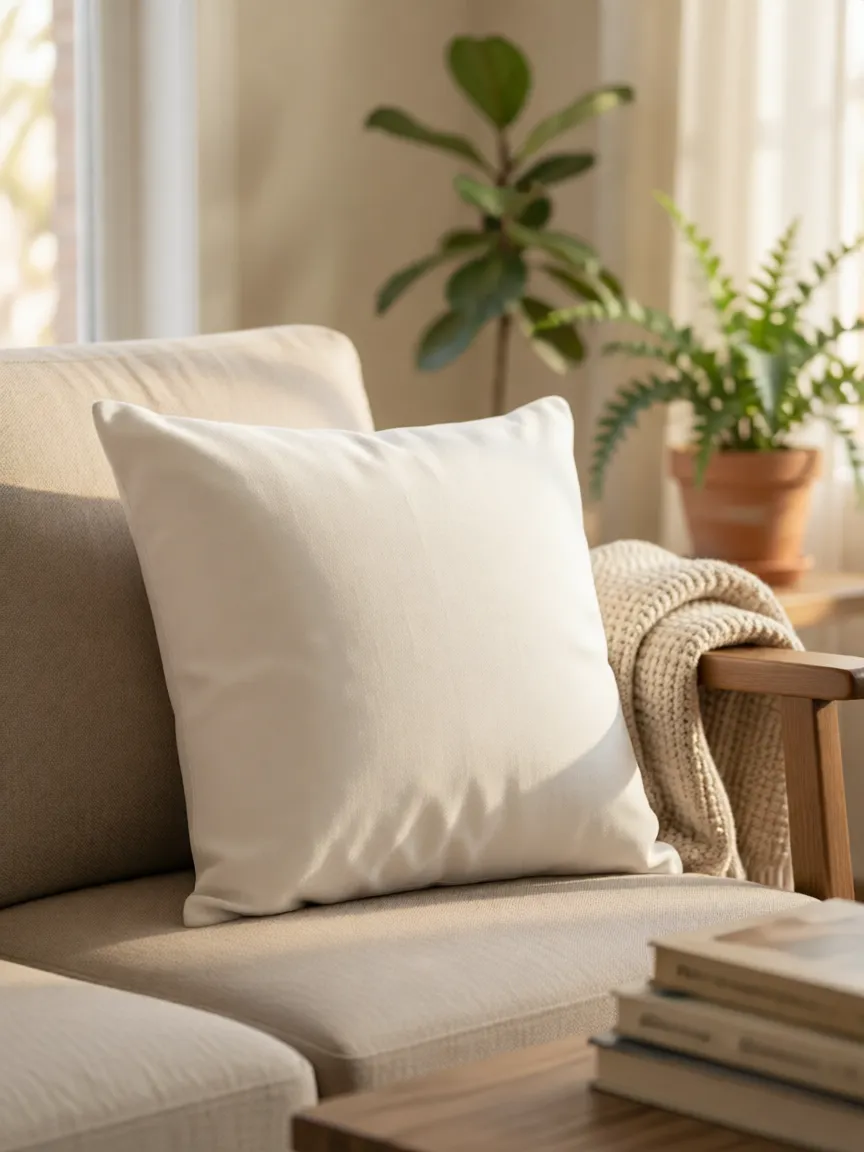
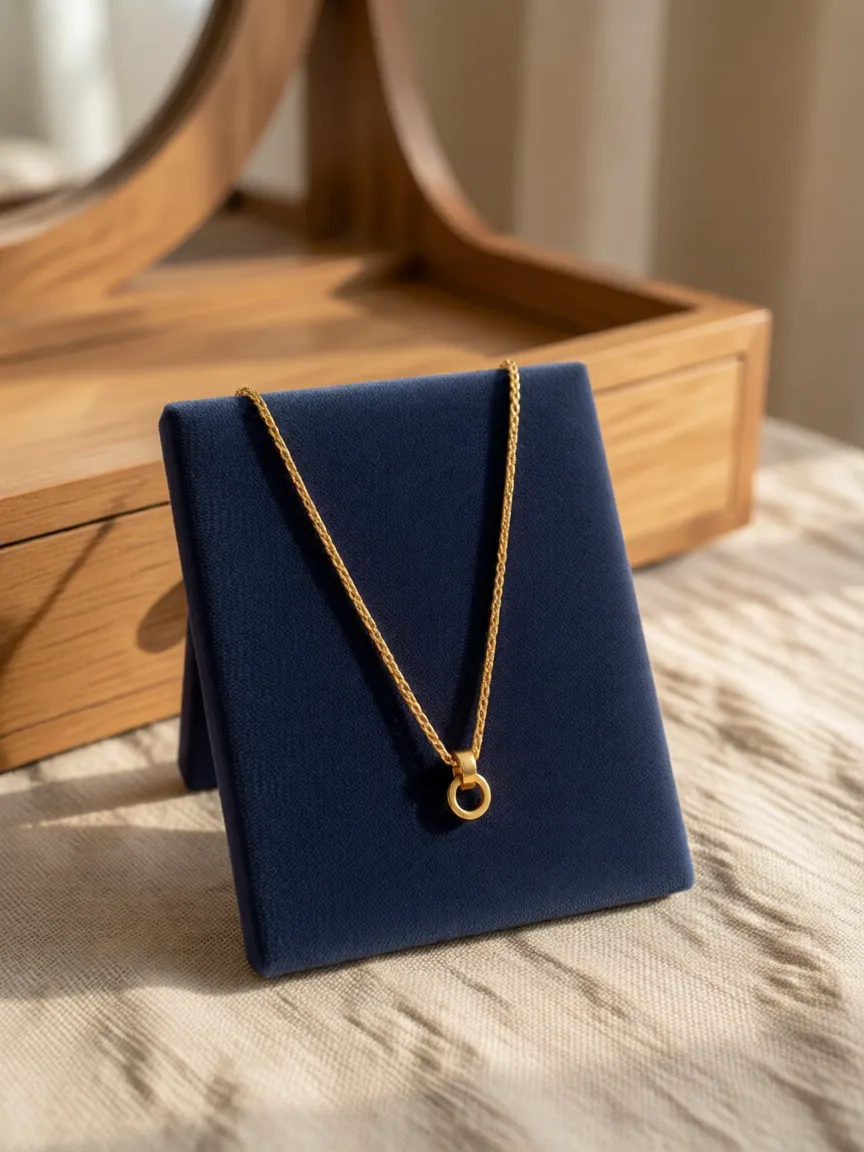
Restage 200 SKUs over lunch.
Pick a preset, batch the catalog, push to Shopify. Same room, same light, every product.
200 products per session
A/B the room before you ship.
Render the same product in living room vs kitchen vs editorial. Pick the one that converts.
3-5× tests per product
Holiday set in 20 minutes.
Swap the preset library to the seasonal pack (autumn, holiday, summer) and rebatch. The product stays; the room moves.
20 min vs. half-day reshoot
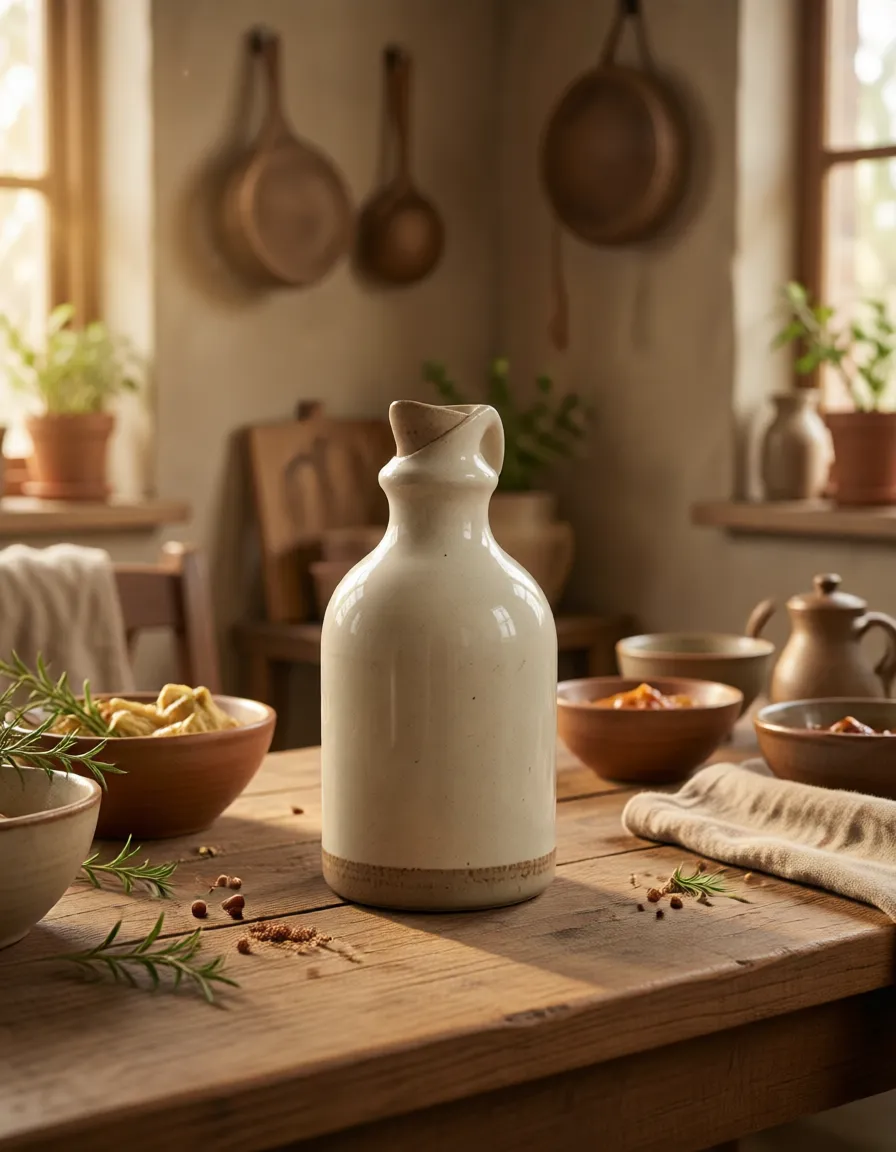
Feature · Product scenes
Questions worth asking.
How real do the scenes look?
Real enough to ship to a Shopify PDP without disclosure. The give-aways in AI scene work are usually wrong shadow direction, floating products, and inconsistent perspective. We solve all three at the renderer level. The remaining edge cases (high-gloss surface in a dramatic editorial setup) get flagged before generation so you know.
Can I upload my own background?
Yes, upload any room or scene photo and we'll calibrate light direction and surface contact to match. Useful for matching your brand's existing photo style across new SKUs.
What product categories work best?
Hard goods (bottles, jars, packaged products), soft structured goods (bags, boxes), and multi-item compositions. We're weaker on live-action food, mirror-finish hero campaigns, and apparel-on-body (use try-on for that).
How do I keep brand consistency across hundreds of SKUs?
Save a preset combination (scene + light + prop language) as a brand template, then render every SKU through it. Every output uses identical lighting, surface, and color grade.
Is the output high-resolution enough for print?
Scenes are built for web and product pages, not offset print. Output defaults to around 1024px and you can set an exact size for standard social and PDP dimensions. For large-format print, upscale the export in your own tool — we don't ship print-resolution or 8K files today.