A product studio inside
your Shopify admin.
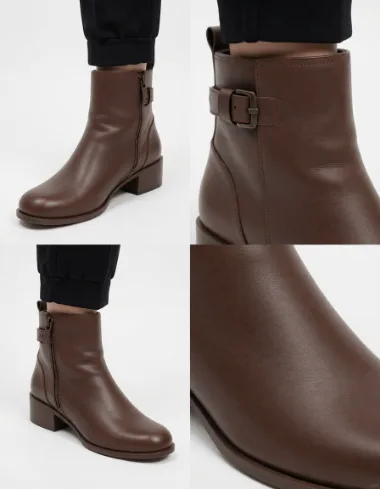
QuickStyle installs right inside your Shopify admin. Pick a product, start a shoot from the side panel, and generate scenes, try-on, or video. Refine in chat or Studio, then save your picks straight to your product photos.
Embedded in your admin · Studio-grade output · uninstall anytime
Your shoots, at a glance
Every shoot lands here. The dashboard shows each one's status and your credit balance, updating live as images finish, with New shoot one click away.
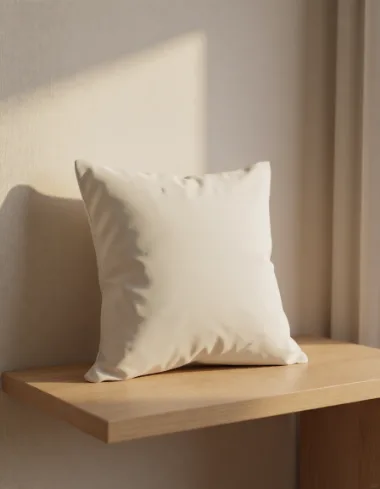
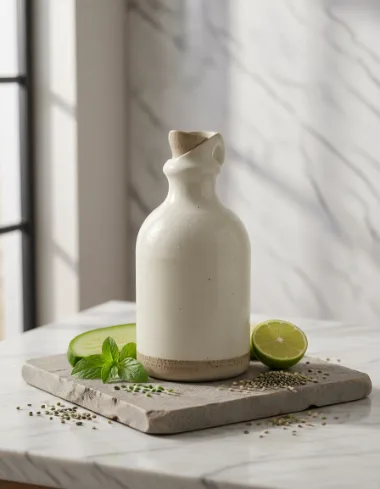

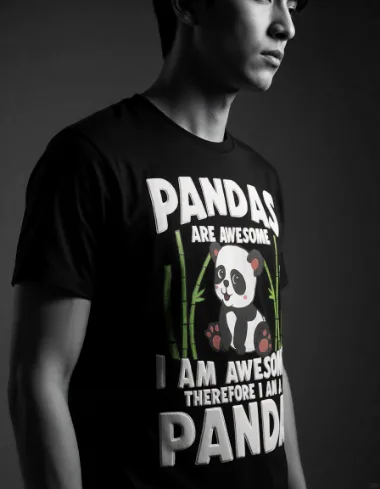
Start a shoot from the side panel
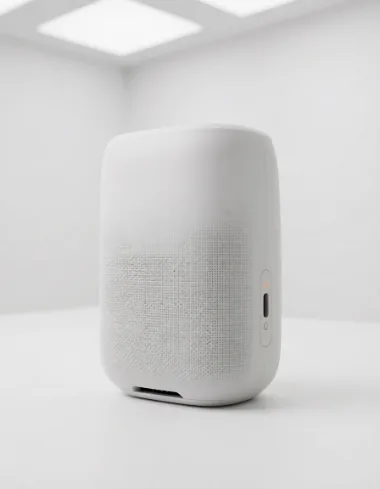
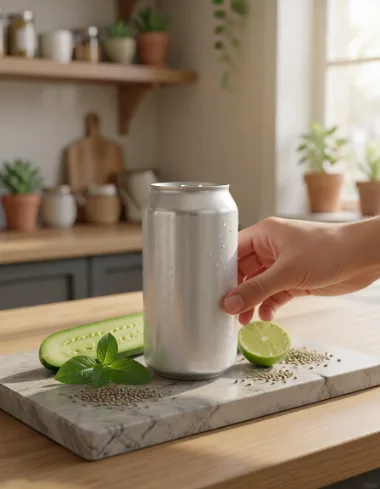
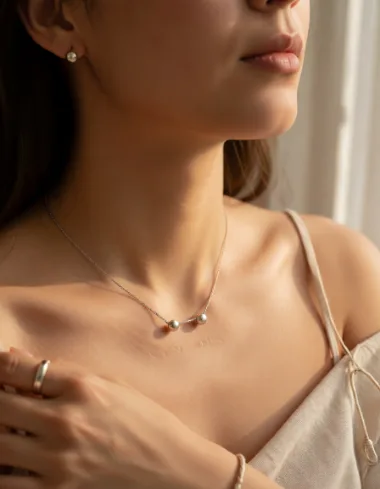
Pick a recipe, format, and look, or open the Chat tab to explore an idea. Style multiple products and variations in one shoot.
New shoot
Batch & presets Explore & iterate
Recipe · Product scenes
Format · 4:5 · 2048px
Look · Warm studio
Describe the scene…
Variants − 4 +
12 credits · 4 outputs
Generate
Fine-tune in Studio
Open any result in Studio for canvas edits, version history, and a chat that transforms the image in place.
QuickStyle Studio 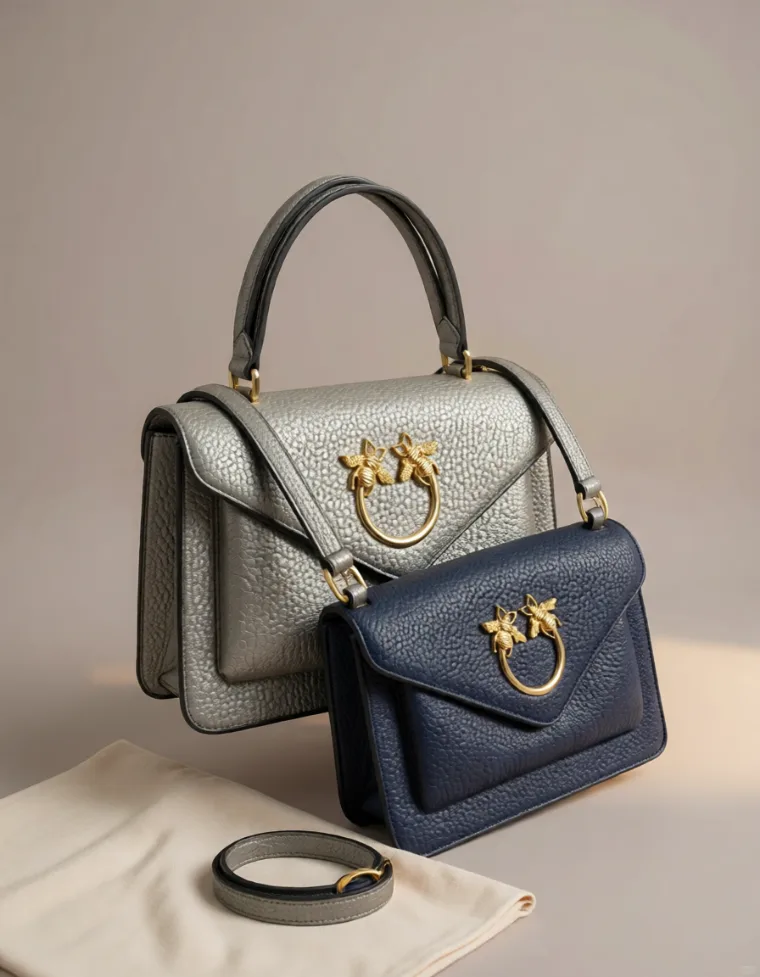
Apply to canvas
Make it warmer…
01
Batch a whole shoot
Upload a set of product photos, choose one look, and generate up to twenty styled images in one shoot.
20 outputs per batch 02
Scenes, try-on, video
One app, four ways to create: product scenes, virtual try-on, image edits, and short product video.
4 ways to create 03
Explore in chat
Describe a look in the Chat tab and iterate conversationally, then save the ones you like to your Showroom.
1-click in the Chat tab 04
Saved to your products
Approve an image and it lands in Shopify Files on the right product, sized to fit your theme cleanly.
2048px to product media
Pricing
See full pricing →
Your whole catalog, studio-grade.
Scenes, try-on, edits, and video at professional quality, generated on demand and priced per image. Studio and annual plans scale from a handful of products to a full catalog.
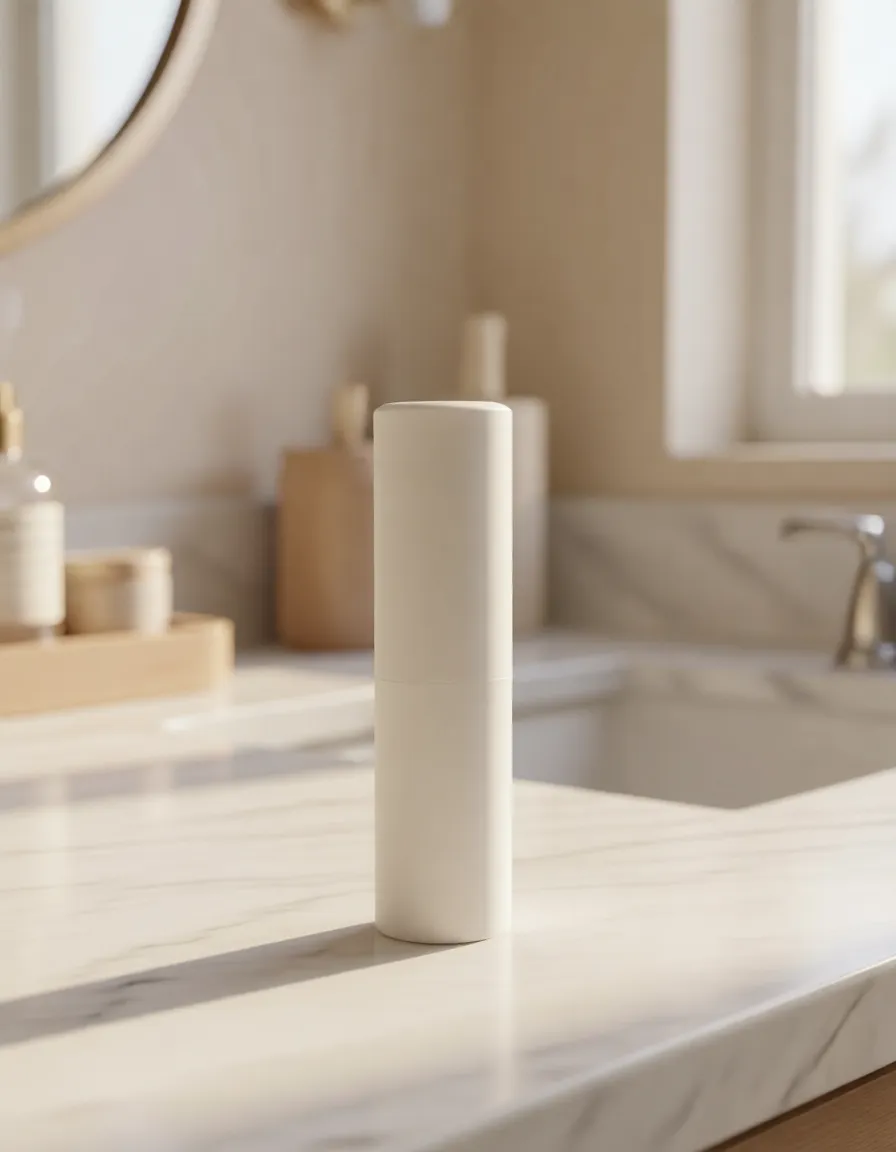
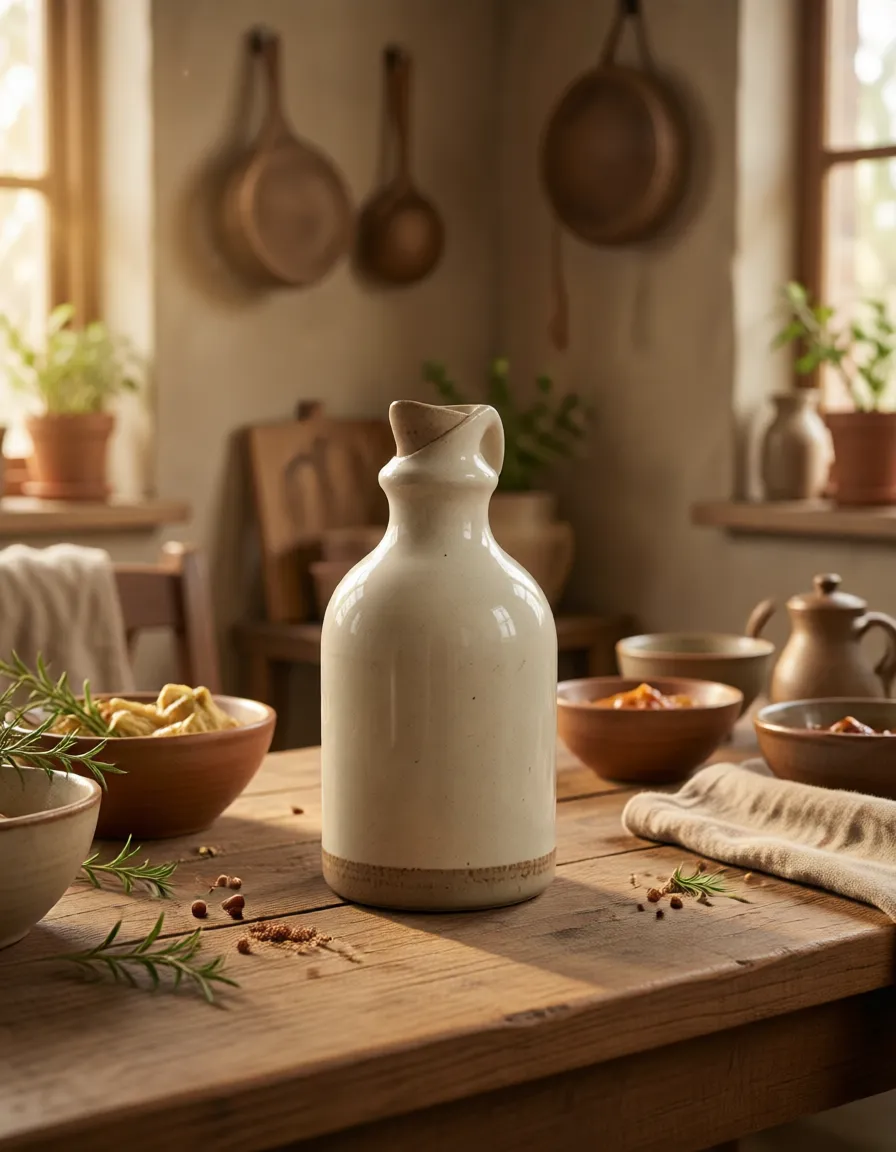
Made by other shops on QuickStyle
See all in gallery →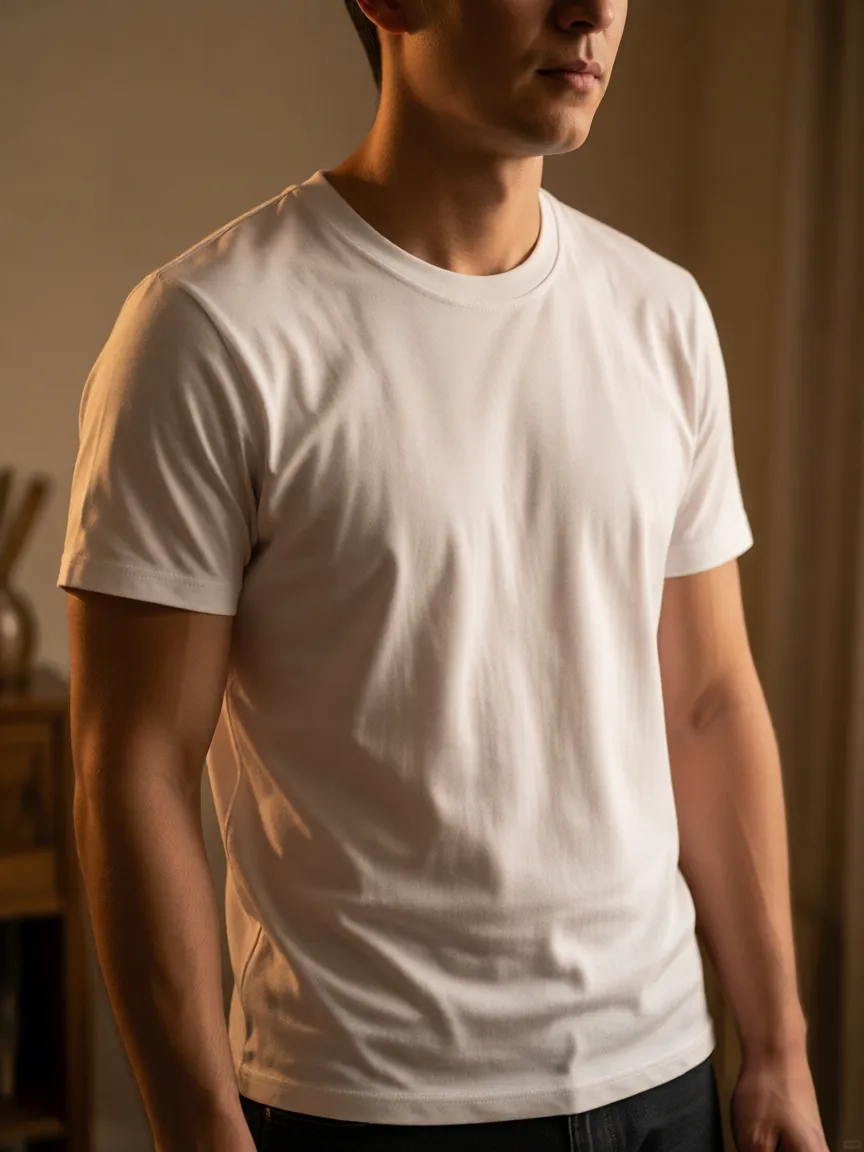

Questions about Shopify.
Where does QuickStyle run? +
It installs as an app inside your Shopify admin. Everything happens there: your shoots, the panel where you set them up, and Studio, without leaving Shopify.
What permissions does the app ask for? +
It can see your products and their photos, and add new images and files. It can't see your orders, your customers, or the other apps you've installed.
What can it generate? +
Product scenes and backgrounds, virtual try-on, image edits, and short product video. Each one is a shoot you can re-run or refine in chat.
Do you keep my product images on your servers? +
Your source photo passes through our renderer and the finished image is saved to your Shopify Files. We keep it briefly so you can re-run a shoot, then delete it fully on request.
Can I uninstall and keep the images already saved? +
Yes. Approved images are saved into your Shopify Files; uninstalling QuickStyle leaves them in place.
Is there a plan for high-volume catalogs? +
Yes. Studio and annual plans add more capacity and priority for agencies and large catalogs, with email support for enterprise.
Generate your first scenes inside Shopify.
Average install: 38 seconds